Dashboard development services,
built around your data
OffLift builds custom dashboards for businesses: KPI dashboards for sales, finance and operations, admin and moderator portals, and client portals with role-based access. We connect them to the data you already have, from Google Sheets and your CRM to accounting tools and your own database, and can add AI summaries and alerts. We are an Albuquerque, New Mexico studio working with startups and small businesses across the US.
What we build
What a custom dashboard can include
Start with the view you check every morning, then grow from there.
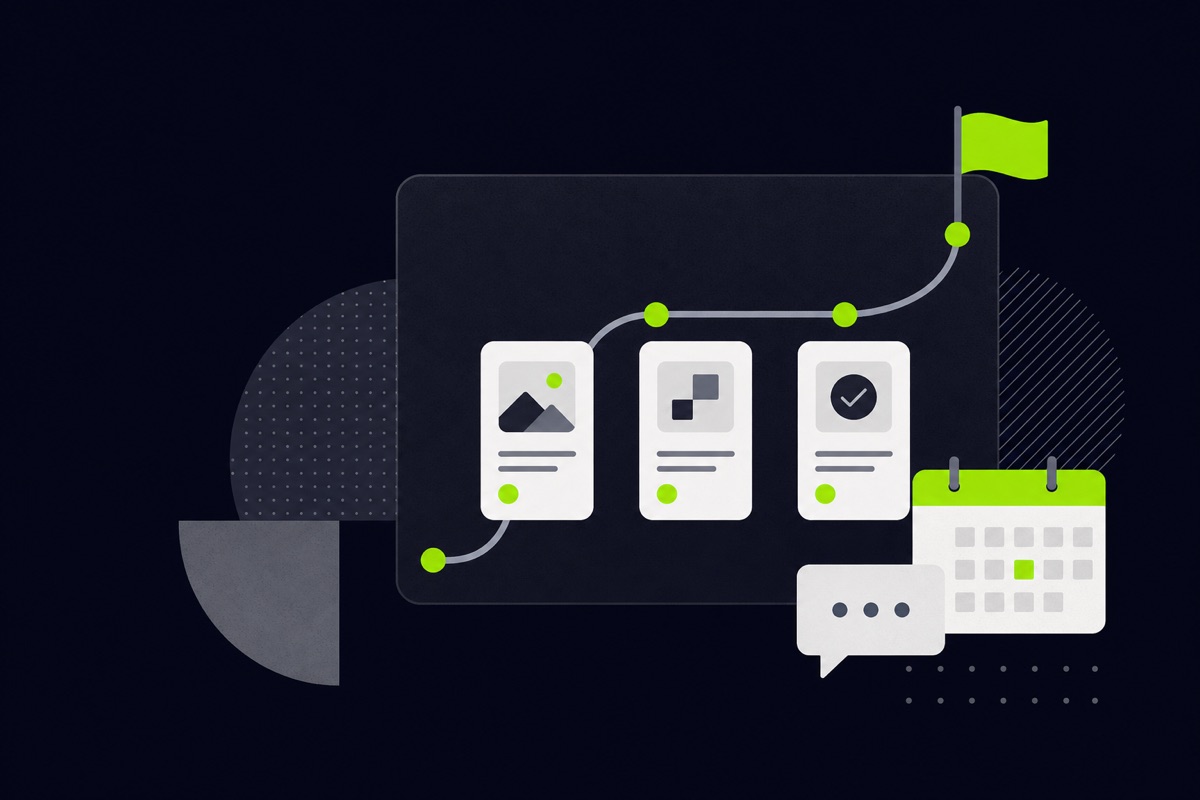
KPIs
Business KPI dashboards
Sales, finance and operations numbers in one view, so you stop piecing reports together from spreadsheets.
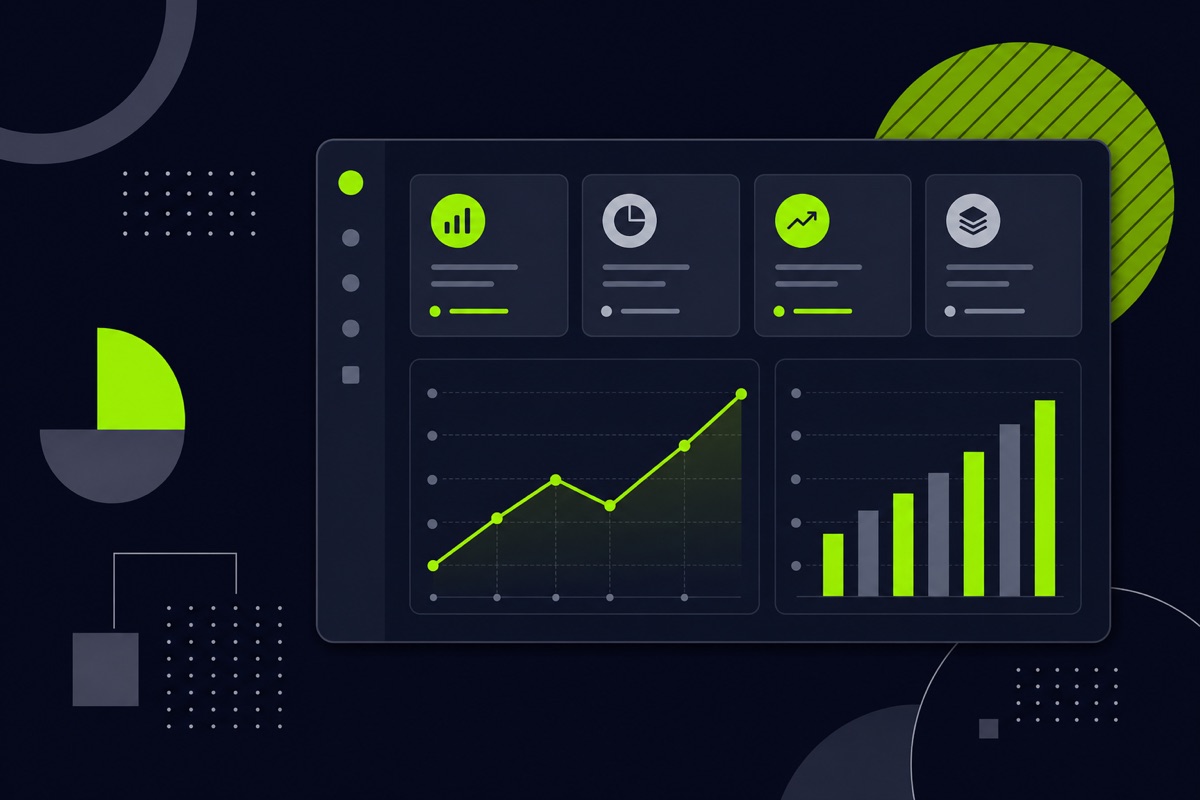
Back office
Admin and moderator portals
Tools for staff to review, edit and publish, like the moderator dashboard we built for God Encounters.
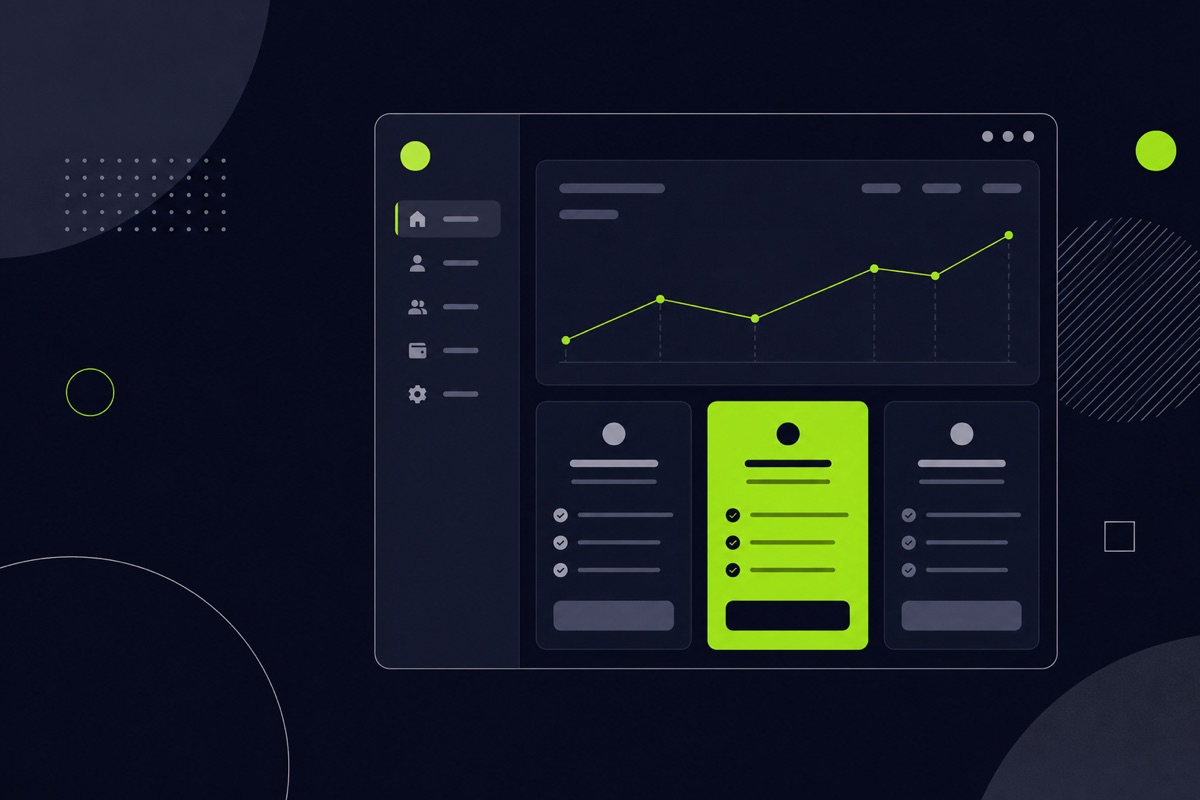
Clients
Client portals
A branded login where each client sees their own data, documents or project status.
Security
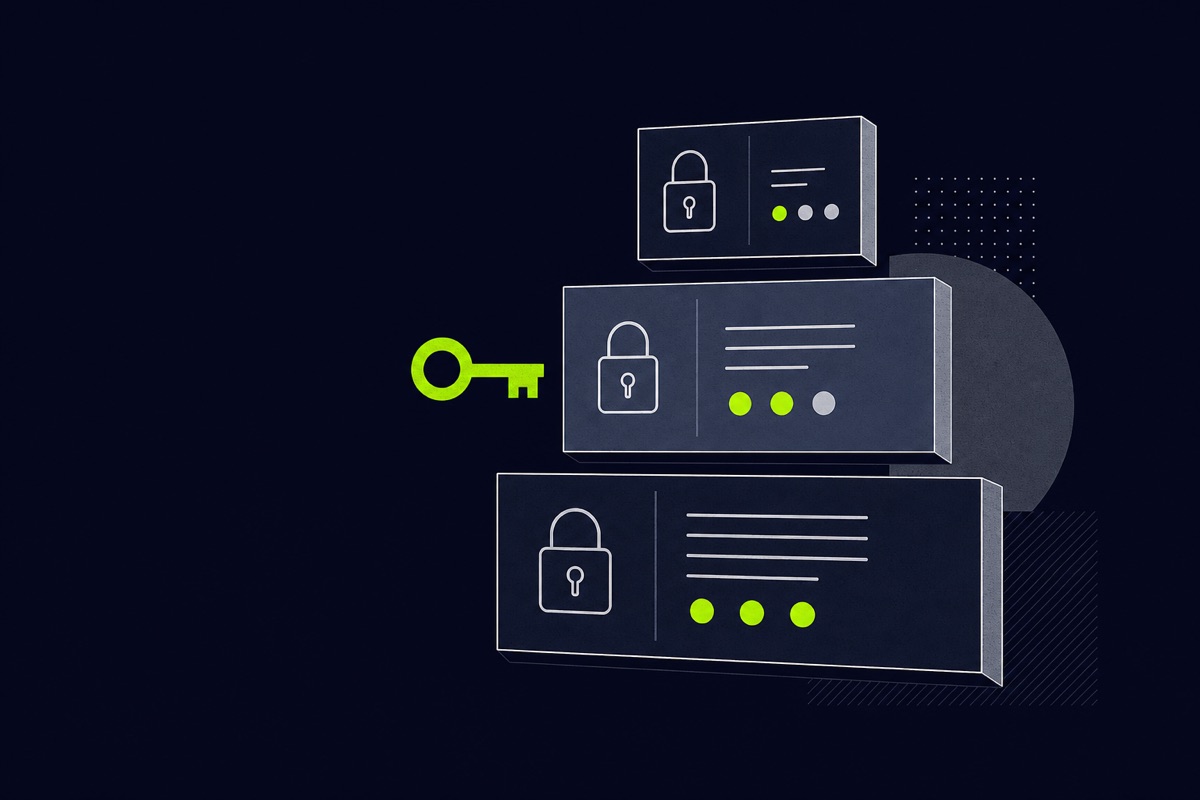
Role-based access
Admins, staff and clients each see only what their role allows, with login handled properly.
Data
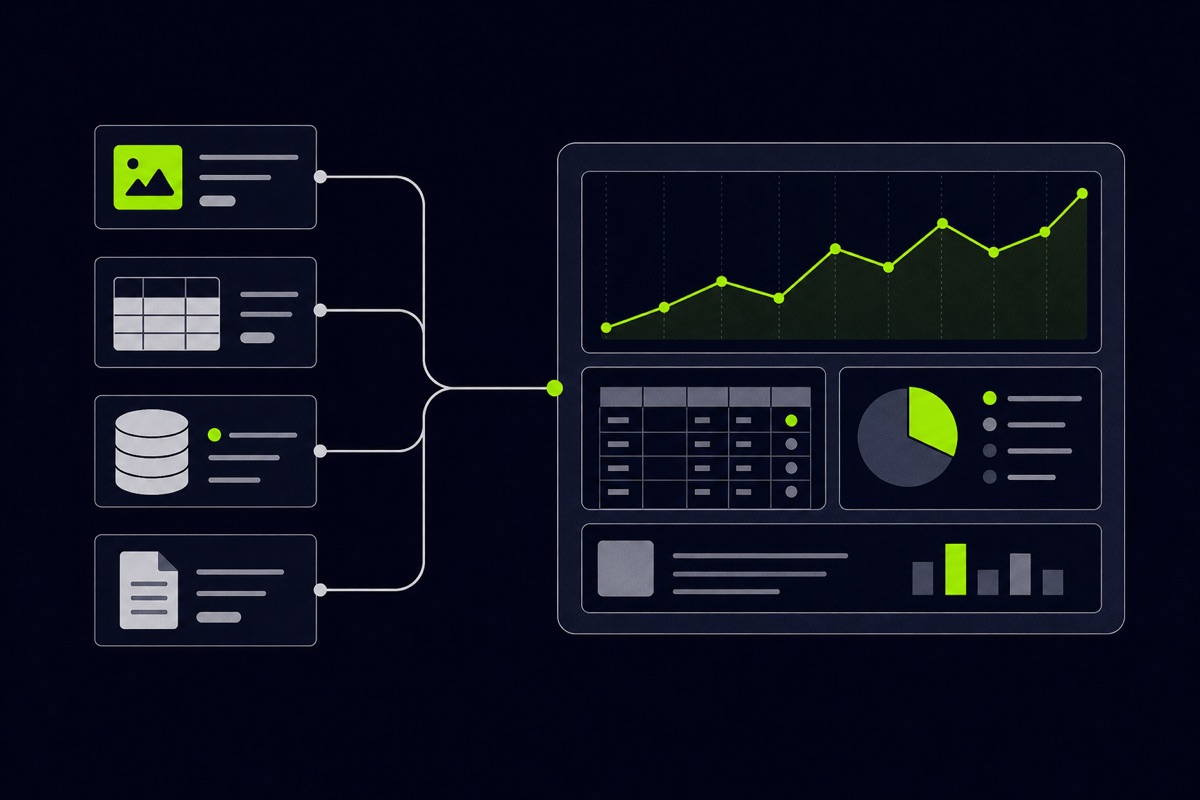
Connected data sources
Pull from Google Sheets, your CRM, accounting tools and your own database into one place.
AI
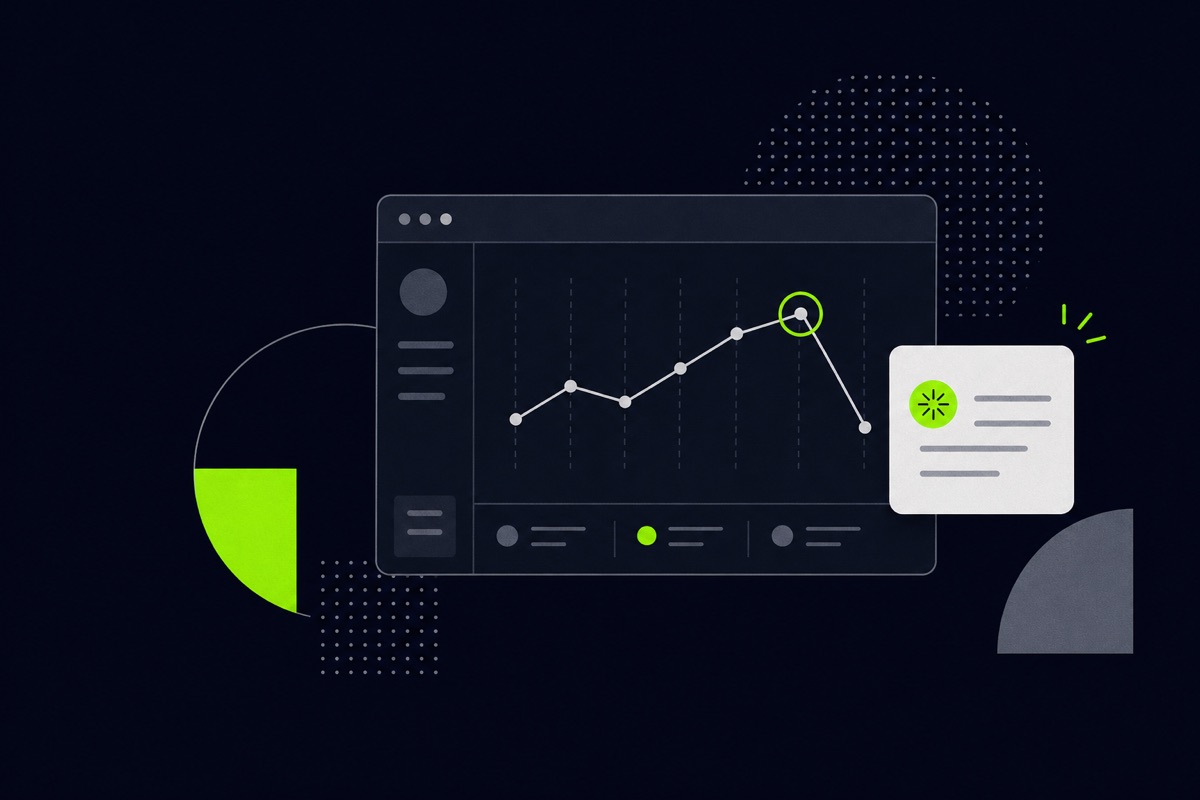
AI summaries and alerts
Automatic weekly summaries, alerts when a number moves oddly, and plain-English questions about your data.
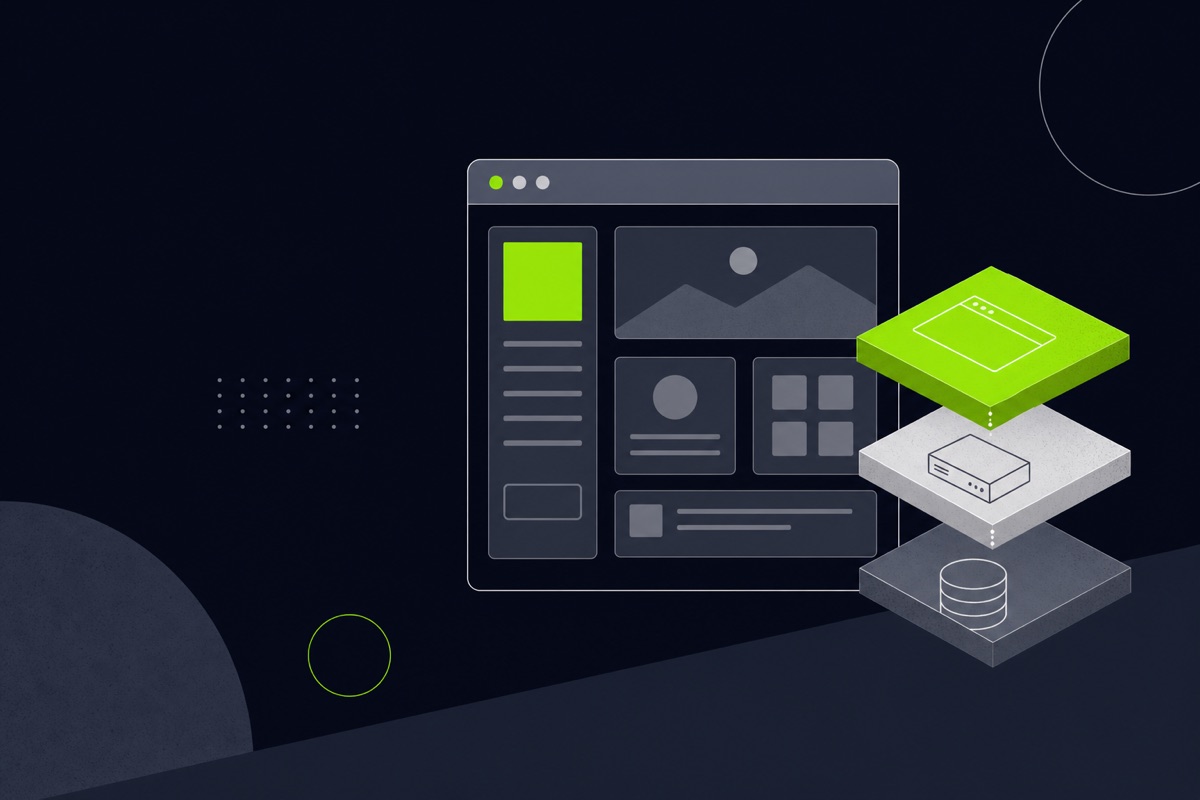
Our dashboards are full web apps. On God Encounters that meant a TanStack Start dashboard on a Hono API and PostgreSQL, with OpenAPI-documented routes shared with the mobile app.
Who it is for
Who a custom dashboard suits
A custom dashboard pays off when the work has outgrown spreadsheets or when a ready-made tool cannot do what you need, such as logins for different people or actions beyond charts.
- Small businesses running reports and operations out of spreadsheets.
- Startups that need an admin panel behind their product.
- Service firms that want to give clients a portal for their own data.
- Teams with a mobile app that needs a moderation or back-office side.
Free mockup
See your product before you commit.
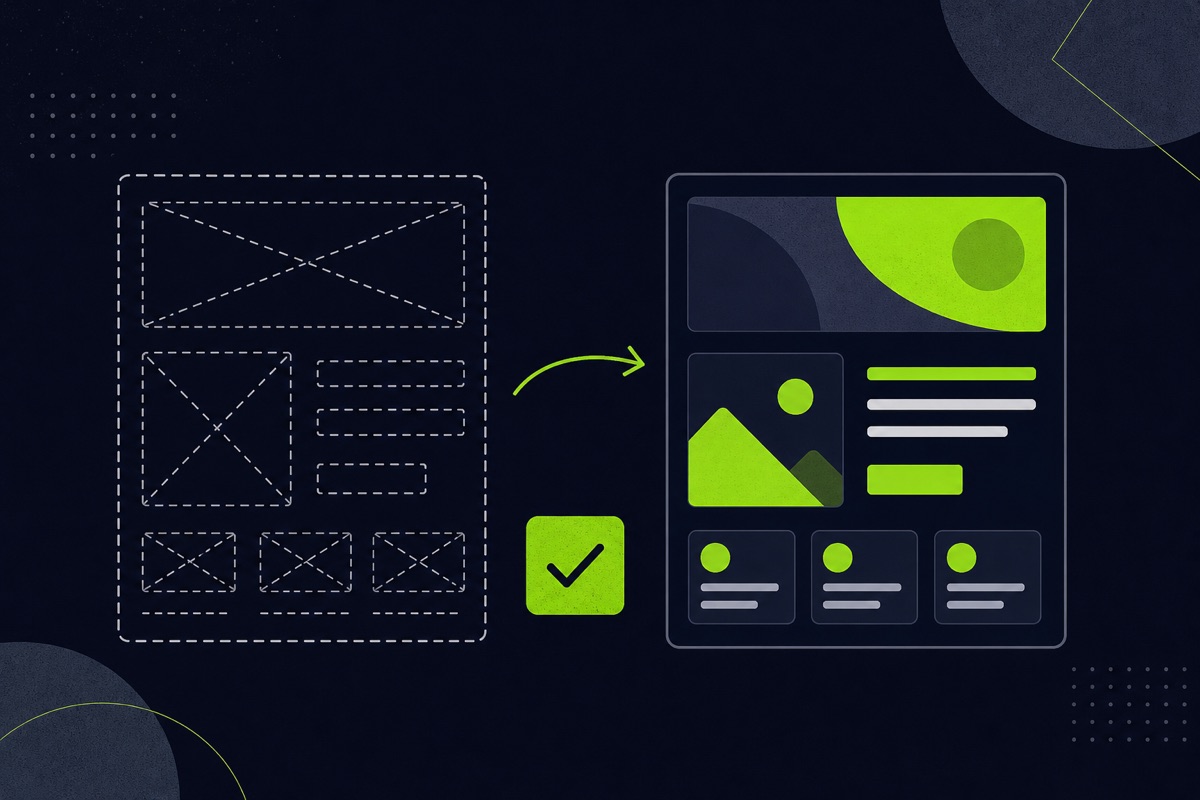
Share your idea and we build a free mockup of your website or app first, so you can judge the direction before any commitment. We also flag quick technical and SEO wins along the way.
- Share your idea. A short form, about a minute.
- We build the mockup. Your homepage or core screen, in your direction.
- You decide. Continue with us or walk away. Nothing owed.
Process
How a dashboard build runs
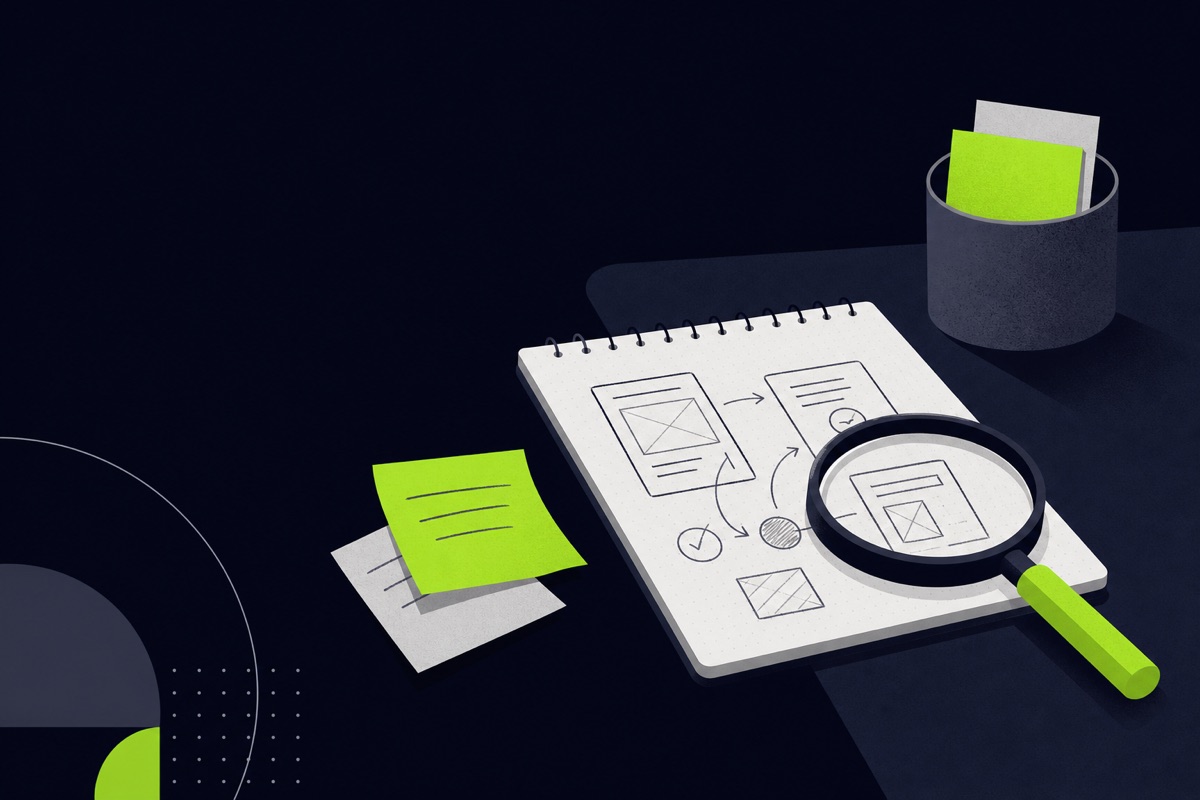
Step 1
Discovery
We map your goal, users, and constraints, then scope a focused first version and recommend the right architecture.
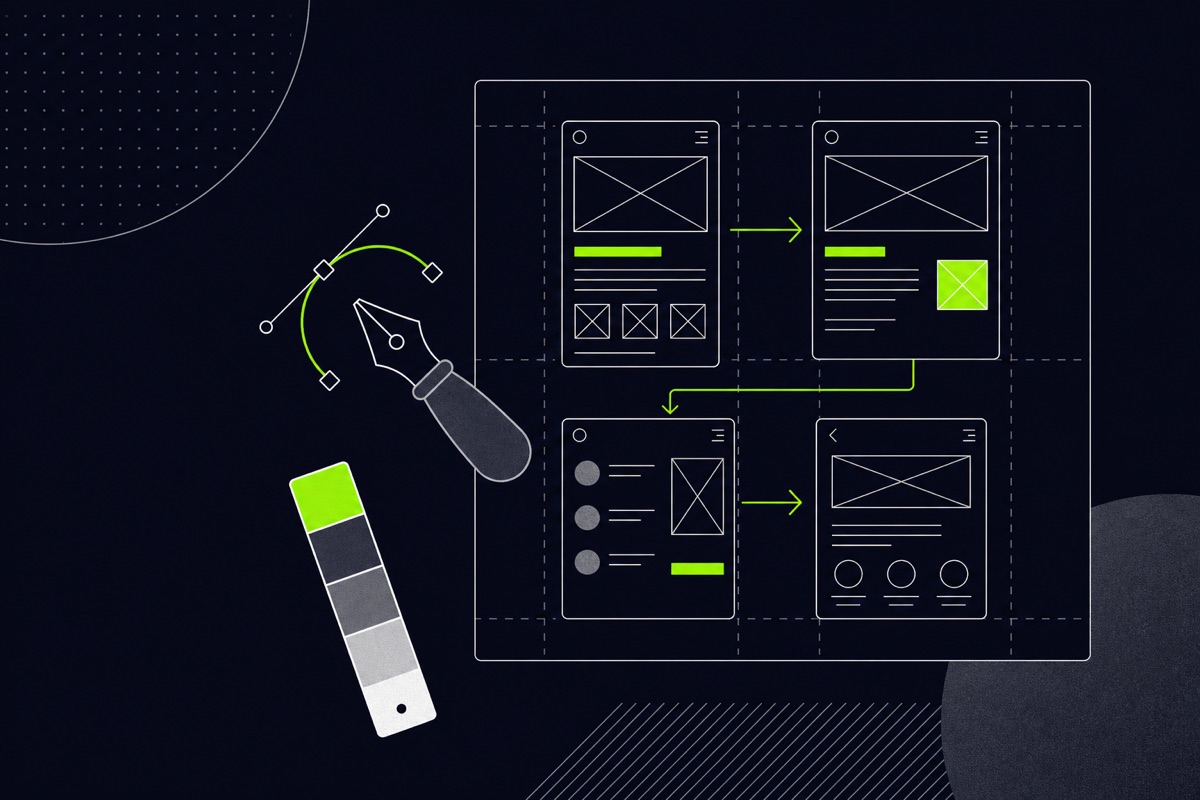
Step 2
Design
UX flows and a clean interface, plus the system and data design, before a line of production code is written.
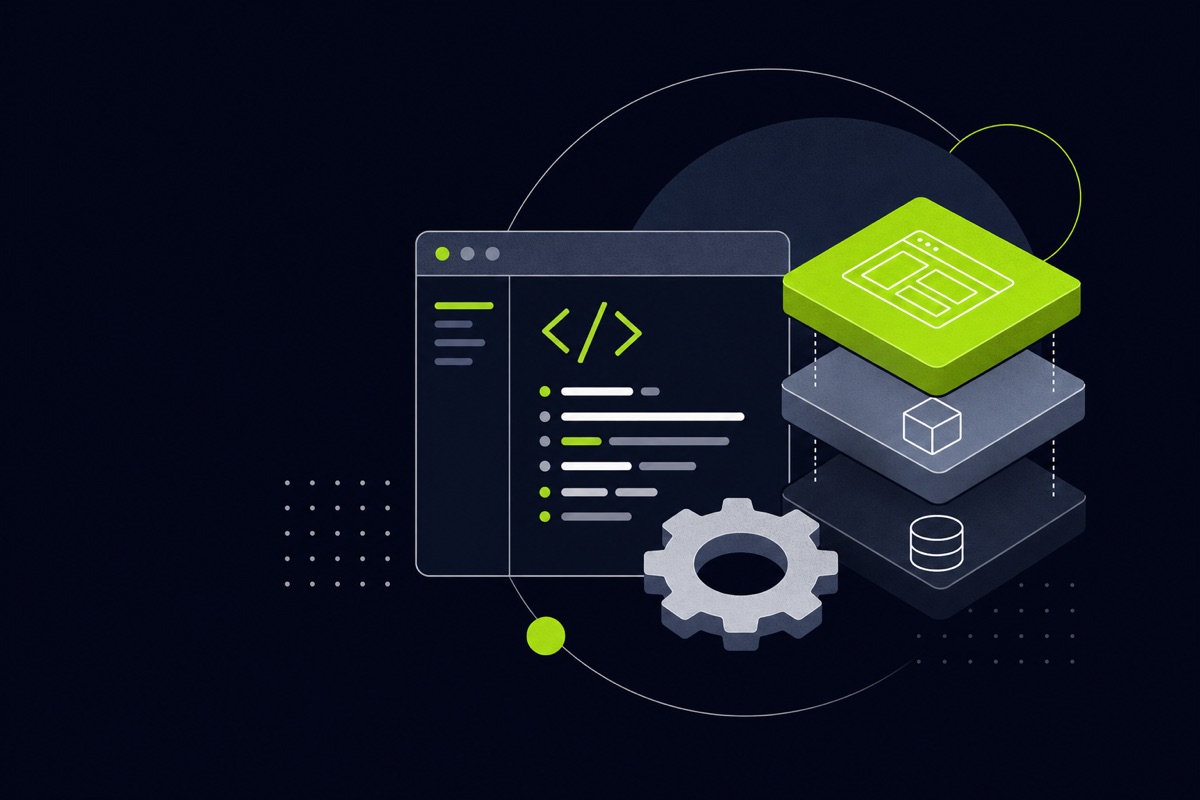
Step 3
Build
Full-stack development with well-structured, maintainable code across frontend, APIs, and data.
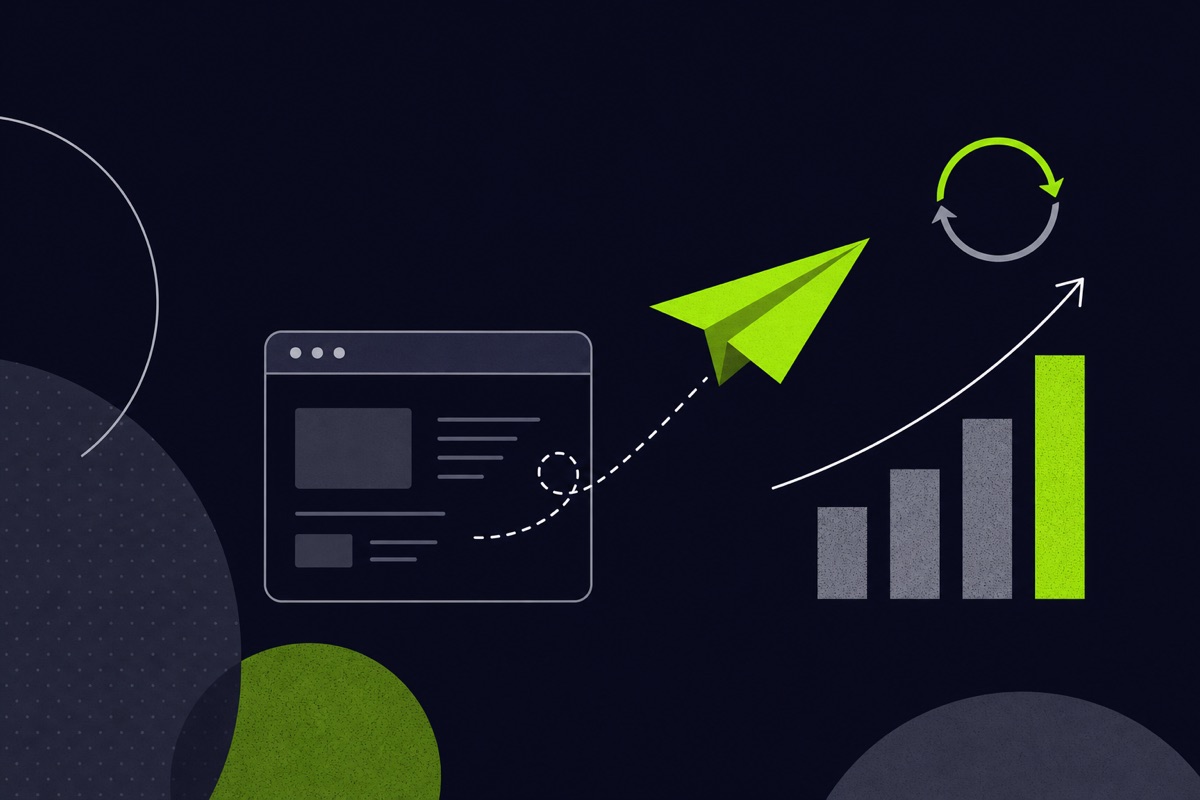
Step 4
Launch
Deploy to production, watch how it performs, and improve it from real usage.
First prototype
Your first prototype, week by week
A typical plan from first message to a working prototype. We confirm the schedule with you after our first conversation.
Week 1
Plan
We list the numbers you track, who needs access and where the data lives, then agree the scope of the first version.
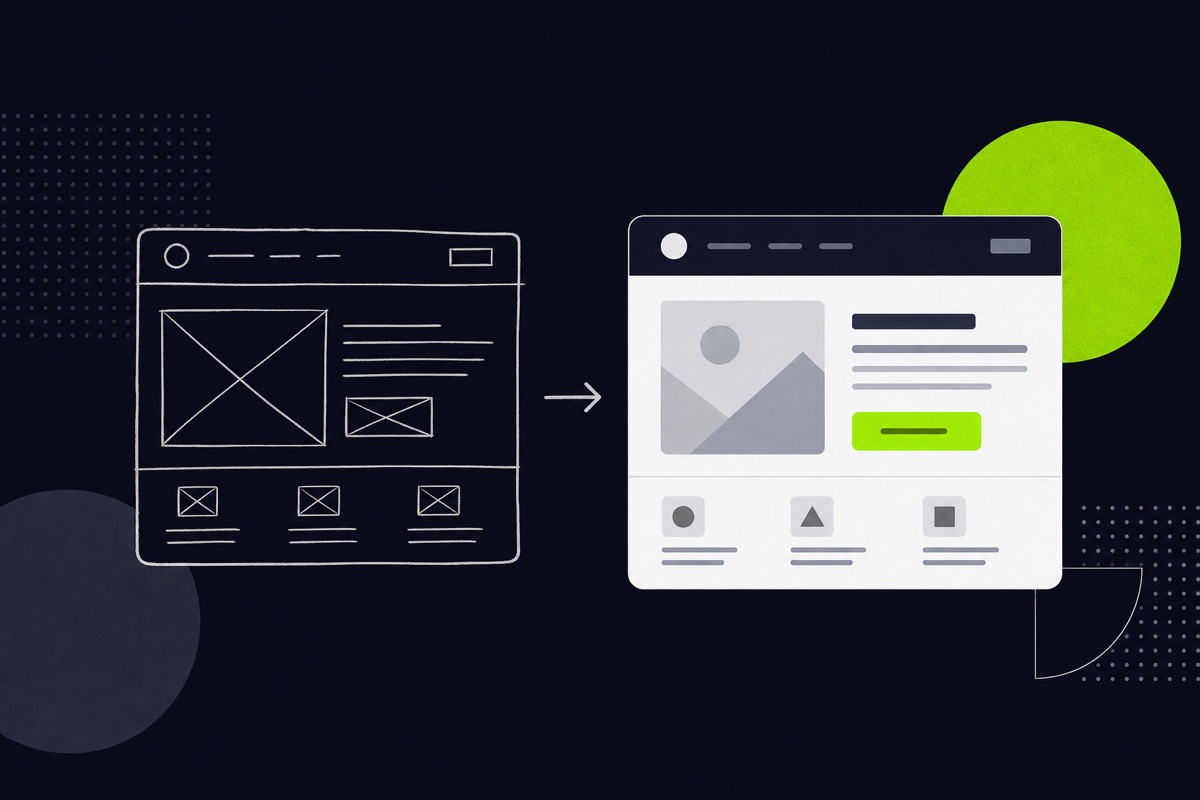
Week 2
Design
We design the layout of the main view and the roles, and share a free mockup for your feedback.
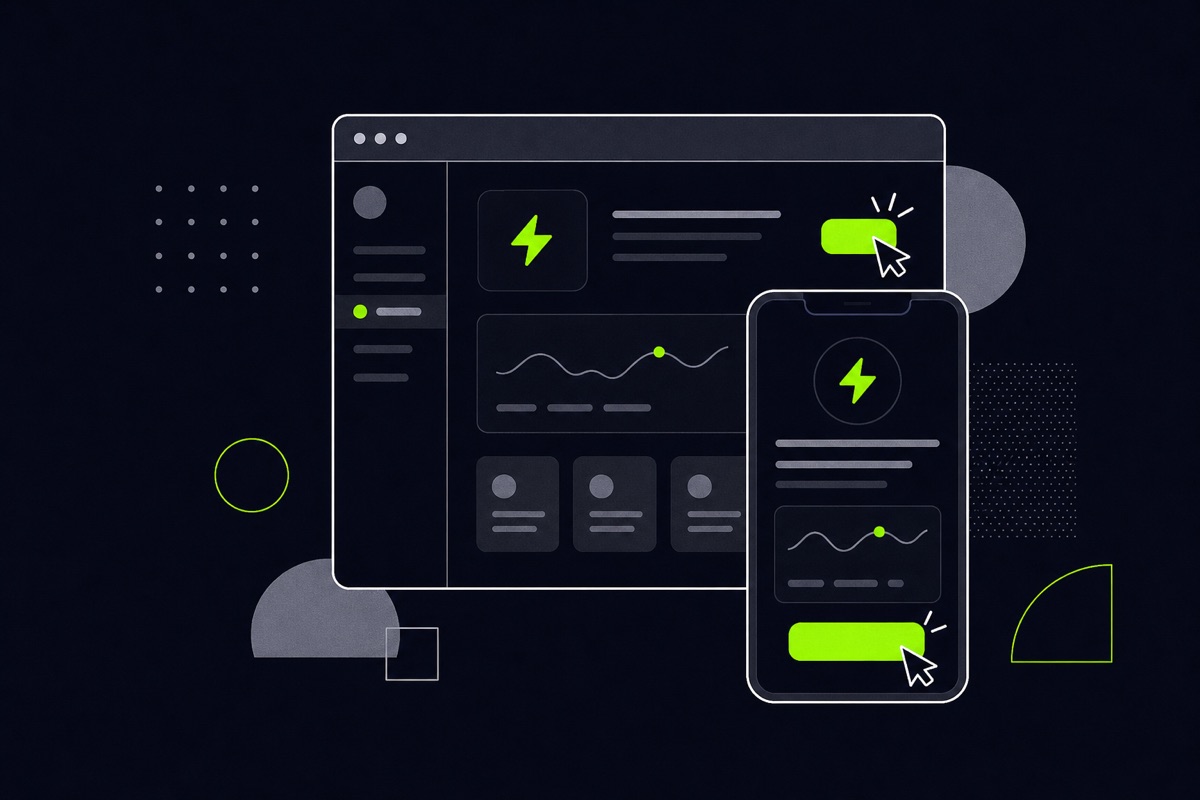
Week 3
Prototype
A first working version of the main view, connected to one real data source, with login and one user role.
Week 4
Review
Your team uses it and gives feedback. We adjust the views and plan the launch and the next data sources.
Pricing and timeline
What it costs and how long it takes
Price
Dashboard projects start from $3,000.
Your quote depends on data sources, views, user roles and any AI features. After a short conversation we quote a fixed price for an agreed scope, so you know the cost before we build.
Timeline
A focused first version is usually a matter of weeks rather than months. The week by week plan above shows how we get to a first prototype, and we confirm the schedule after our first conversation.
Proof
Dashboards we have built
Portfolio
God Encounters
A moderator and admin web dashboard for content, moderation and an analytics-style overview, with a shared OpenAPI-documented API.
Learn moreCase study
God Encounters in depth
How the mobile app, the web dashboard and the API fit together, including AI-assisted moderation before human review.
Learn more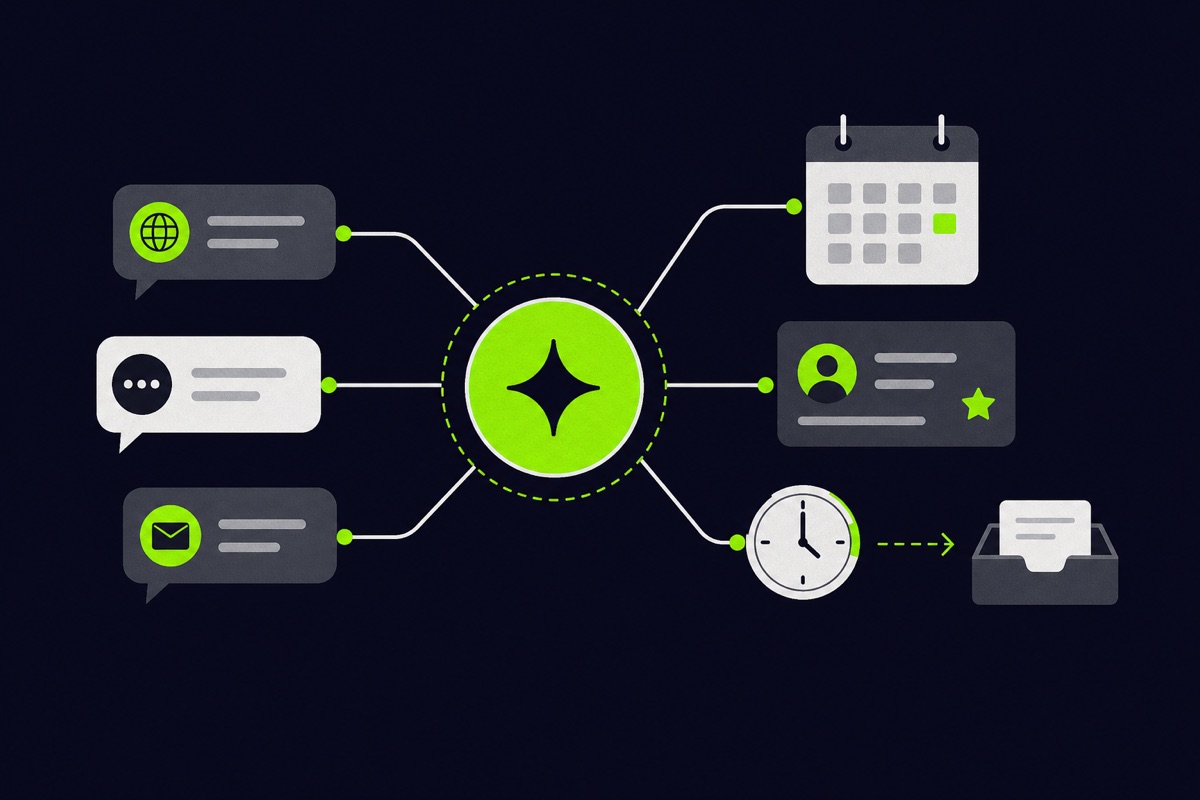
Case study
A multi-agent sales platform
Every conversation from three chat channels in one inbox, with a person able to take over at any moment.
Learn moreFAQ
Dashboard development, answered
What is a client portal?
A client portal is a secure web app where your customers log in to see their own information, such as project status, documents, invoices, reports or messages, instead of asking your team by email. Each client only sees their own data. It saves your staff time and gives clients an answer at any hour.
How do I create a client portal?
Start by deciding what clients should see and do, such as files, status, payments and messages. Then choose an off-the-shelf portal tool or a custom build. A custom portal needs secure login, role-based access, a database and integrations with your existing tools. OffLift builds custom portals with React, Node.js and Supabase.
How much does a custom dashboard cost?
A custom business dashboard with OffLift starts from $3,000, and the final price depends on the number of data sources, user roles, charts and whether you want AI features such as automatic weekly summaries. Simple needs are often met first by free tools like Looker Studio. After a short conversation we quote a fixed price for an agreed scope.
What is an admin dashboard?
An admin dashboard is the private control panel behind an app or website, where staff manage users, content, orders and settings and moderate submissions. OffLift built a moderator and admin dashboard for the God Encounters platform, sharing one API with the mobile app, so staff and users always work from the same data.
Should I use Power BI or Looker Studio, or build a custom dashboard?
Use Looker Studio or Power BI when you mainly need charts from existing tools. Choose a custom dashboard when you need data from your own app, client-facing access, role-based permissions, actions rather than just charts, or AI features. We will tell you honestly if a ready-made tool is enough for what you need.
Can a dashboard connect to QuickBooks, our CRM or our database?
Yes. A custom dashboard can pull data from accounting software, CRMs, spreadsheets, payment providers or your own database through their APIs, so everything appears in one place. We confirm exactly what each tool allows during discovery, and we plan how often the data should refresh so the numbers you see are current.
Can staff have different access levels?
Yes. We build role-based access, so an admin, a moderator and a client each see and do only what their role allows. The God Encounters platform, for example, has a moderator and admin web dashboard with its own access rules, and login is handled securely rather than bolted on at the end.
Can you add AI summaries to a dashboard?
Yes. A dashboard can write an automatic weekly summary, flag numbers that move unusually and answer plain-English questions about your data. Answers come from your own data, and we design where a person should review them, so the AI helps your team decide instead of making decisions on its own.
How long does it take to build a dashboard?
A focused first version is usually a matter of weeks rather than months. A single-view dashboard is faster than a portal with several roles and data sources, and we confirm the schedule after our first conversation. You see a mockup before committing, and the week by week plan above shows how we reach a first prototype.
Keep reading
Related
SaaS development
Accounts, plans and a dashboard behind a product.
Learn moreWeb app development
Full-stack web apps built to last.
Learn more
AI chatbot development
Chat that answers from your data and hands off to people.
Learn moreBased in New Mexico? See our New Mexico page. Planning a budget? Read our software development cost guide.
Start with an email
Tell us what you track today, who needs access and where the data lives. We will tell you honestly whether a custom dashboard or a ready-made tool fits better.
Other ways to reach us: WhatsApp