What does Section 508 mean for a government contractor website?
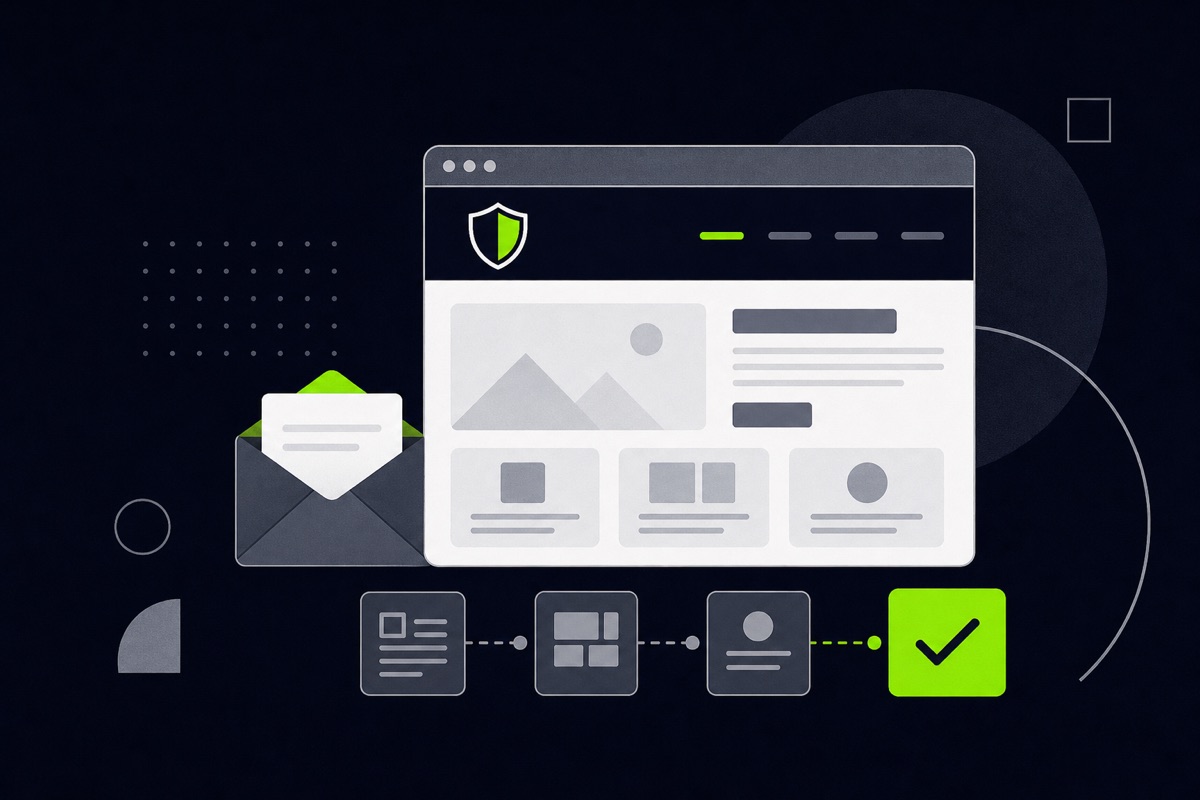
Section 508 of the Rehabilitation Act requires federal agencies to make their information and communication technology accessible to people with disabilities. The current standards point to the Web Content Accessibility Guidelines (WCAG) 2.0, Level AA, as the benchmark for web content. In practice, building to WCAG AA is the clearest way to be ready.
Section 508 applies directly to federal agencies and to what they buy. Whether it formally applies to your own marketing website depends on your contracts, so check your contract terms if you are unsure. Even where it does not, an accessible site shows buyers that you take the work seriously, and it helps every visitor.
This is a practical checklist, not legal advice. Formal conformance claims need proper testing.
Is an accessible site a legal requirement for my company website?
Not automatically. The rules cover agencies and the technology they procure. If you deliver software, websites or other technology to an agency, you may be asked to show conformance, often with an Accessibility Conformance Report based on the VPAT template. If your site is purely a marketing site, accessibility is still a smart baseline, because buyers and reviewers notice it and because it widens who can use your site.
What should the checklist cover?
Use these checks on every page. They map to WCAG principles: content should be perceivable, operable, understandable and robust.
Structure and content
- One clear page title and one H1. Headings follow a logical order (H1, then H2, then H3) and are not chosen for their size.
- Meaningful link text. "Read the capability statement" works. "Click here" does not.
- Plain language. Short sentences and defined acronyms. Spell out UEI, CAGE and NAICS on first use.
- Page language set. The page declares its language so screen readers pronounce it correctly.
Color and contrast
- Text contrast. Normal text needs a contrast ratio of at least 4.5 to 1 against its background. Large text needs at least 3 to 1.
- Color is never the only signal. Do not rely on color alone to show an error, a required field or a link.
Keyboard and focus
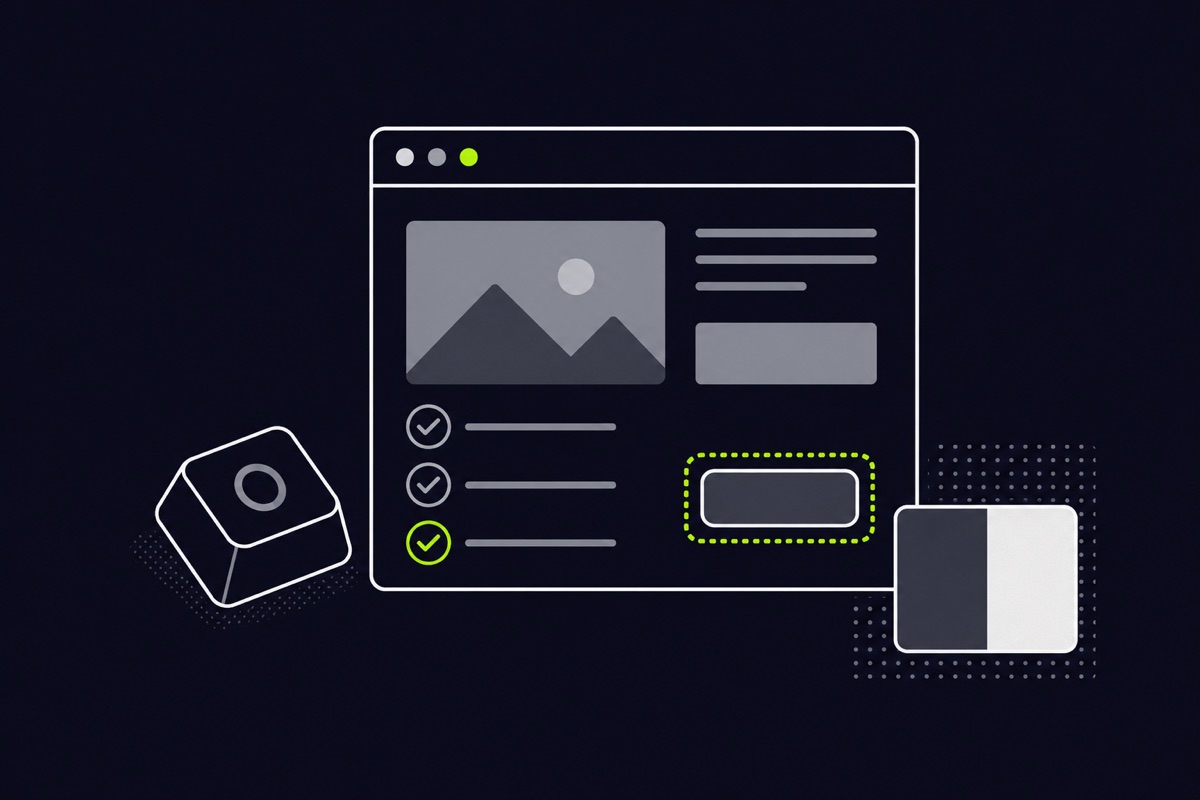
- Everything works with a keyboard. Menus, forms, buttons and dialogs can be used without a mouse.
- A visible focus indicator. You can always see which element is selected.
- A skip link. Keyboard users can jump past the navigation to the main content.
Images, media and documents
- Text alternatives for images. Informative images get a short description. Decorative images get an empty alt attribute so screen readers skip them.
- Captions and transcripts for video and audio.
- Accessible PDFs. Your capability statement PDF should contain real text, use headings and have a sensible reading order. A scanned image of a page is not accessible.
Forms
- Every field has a visible label. Placeholder text alone is not a label.
- Errors are clear. Say what went wrong and how to fix it, in text.
- Required fields are marked in a way that does not depend on color.
Layout and responsiveness
- Works when zoomed. The page stays usable when text is enlarged to 200 percent.
- Works on a phone. Content reflows rather than forcing sideways scrolling.
How do I test my site?
No single tool is enough. Automated checkers find some problems quickly, but they catch only part of what matters. Combine three approaches:
- Automated scan. Run a free checker to find missing labels, low contrast and missing alt text.
- Keyboard test. Unplug the mouse and tab through the page. Can you reach everything, see where you are and operate every control?
- Screen reader spot check. Listen to how a key page reads aloud. Headings, links and forms should make sense without seeing the screen.
Fix what you find, then retest. Accessibility is a habit rather than a one-time task, so recheck whenever you add new pages or change the design.
How does accessibility connect to the rest of the site?
Accessibility is built in when the site is developed, not added at the end. It shapes your templates, your color palette, your forms and your PDFs. It also overlaps with good search practice, because clear headings and descriptive links help search engines too. See how we approach government contractor website development, and read our guide to what belongs on a capability statement page.
Frequently asked questions
Does Section 508 require WCAG 2.0 or 2.1?
The revised Section 508 standards incorporate WCAG 2.0 Level A and AA. Many teams build to a newer version of WCAG as well, since it covers more situations, but check what your contract specifies.
What is a VPAT?
A VPAT is a template used to describe how a product meets accessibility standards. The completed document is called an Accessibility Conformance Report. Buyers may ask for one when you deliver technology to an agency.
Is a plugin or overlay enough to make my site accessible?
No. Add-on widgets do not fix the underlying structure of a page. Accessibility comes from how the site is built: headings, labels, contrast, keyboard support and accessible documents.